Run a better service day
Let the field update the job before leaving the driveway.
Mobile access for technician job details, status updates, photos, notes, time capture, and offline sync.
Useful to the people doing the work
Where mobile field app fits
Dispatch
Plan the work with the right customer, crew, and schedule context.
Technician or crew
See what was promised and leave complete proof behind.
Service manager
Catch exceptions before they become callbacks or billing delays.
Built for the device in the truck
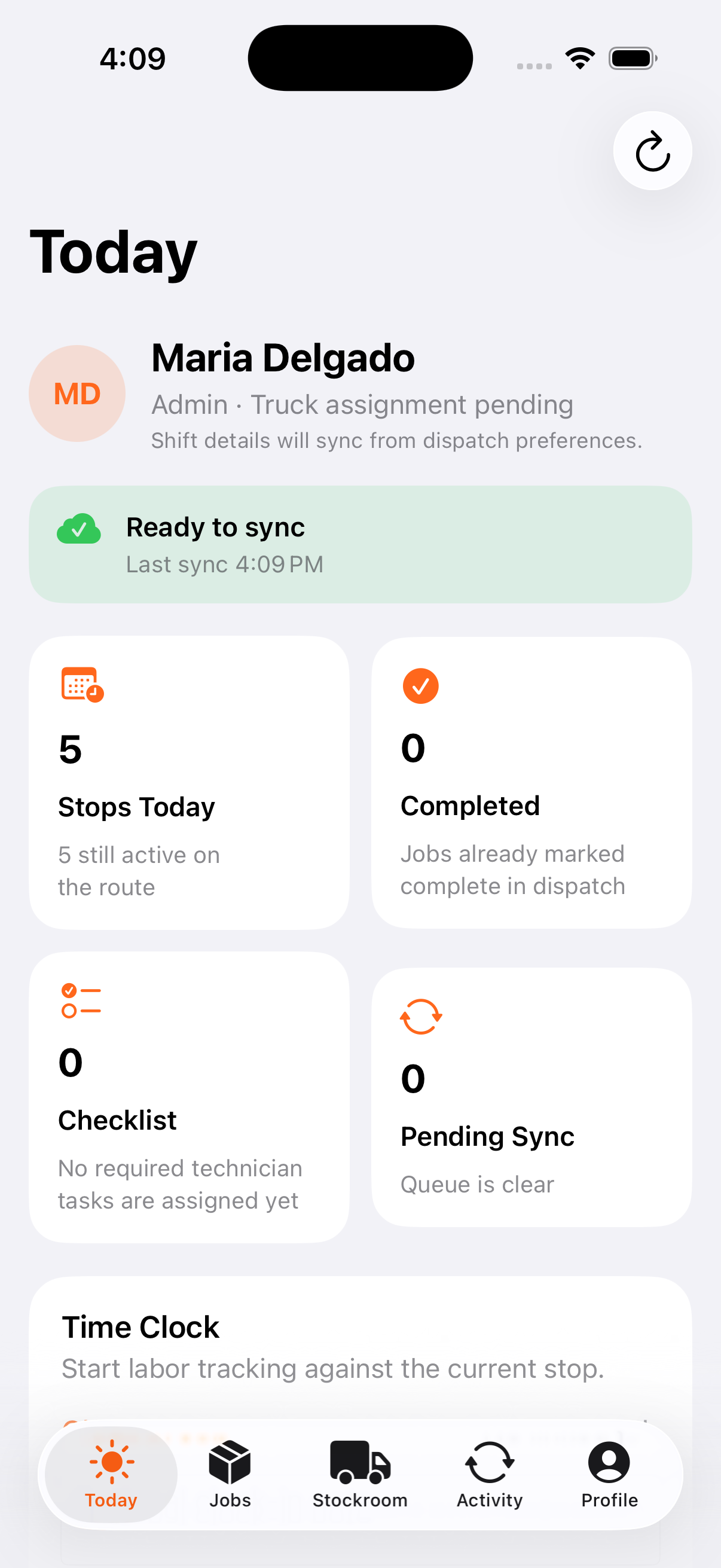
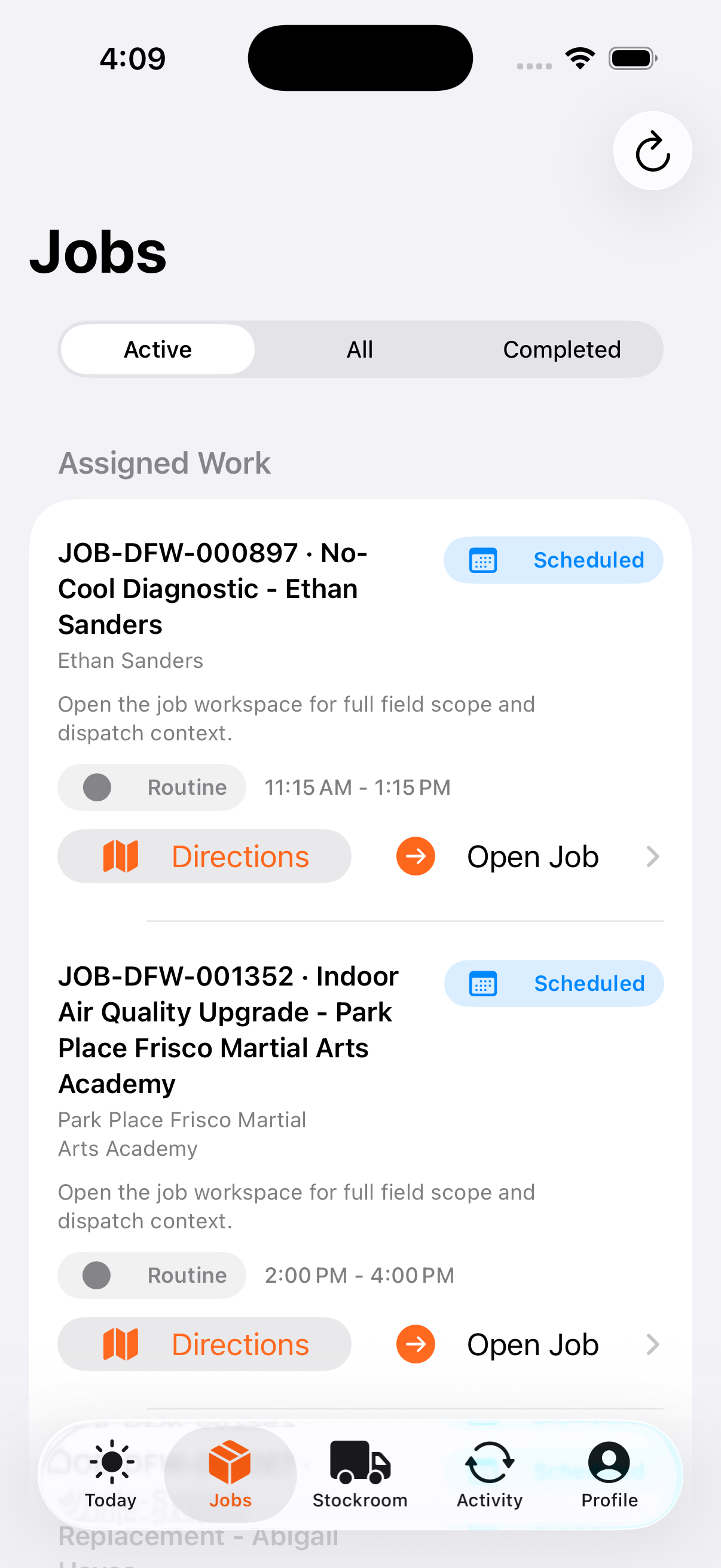
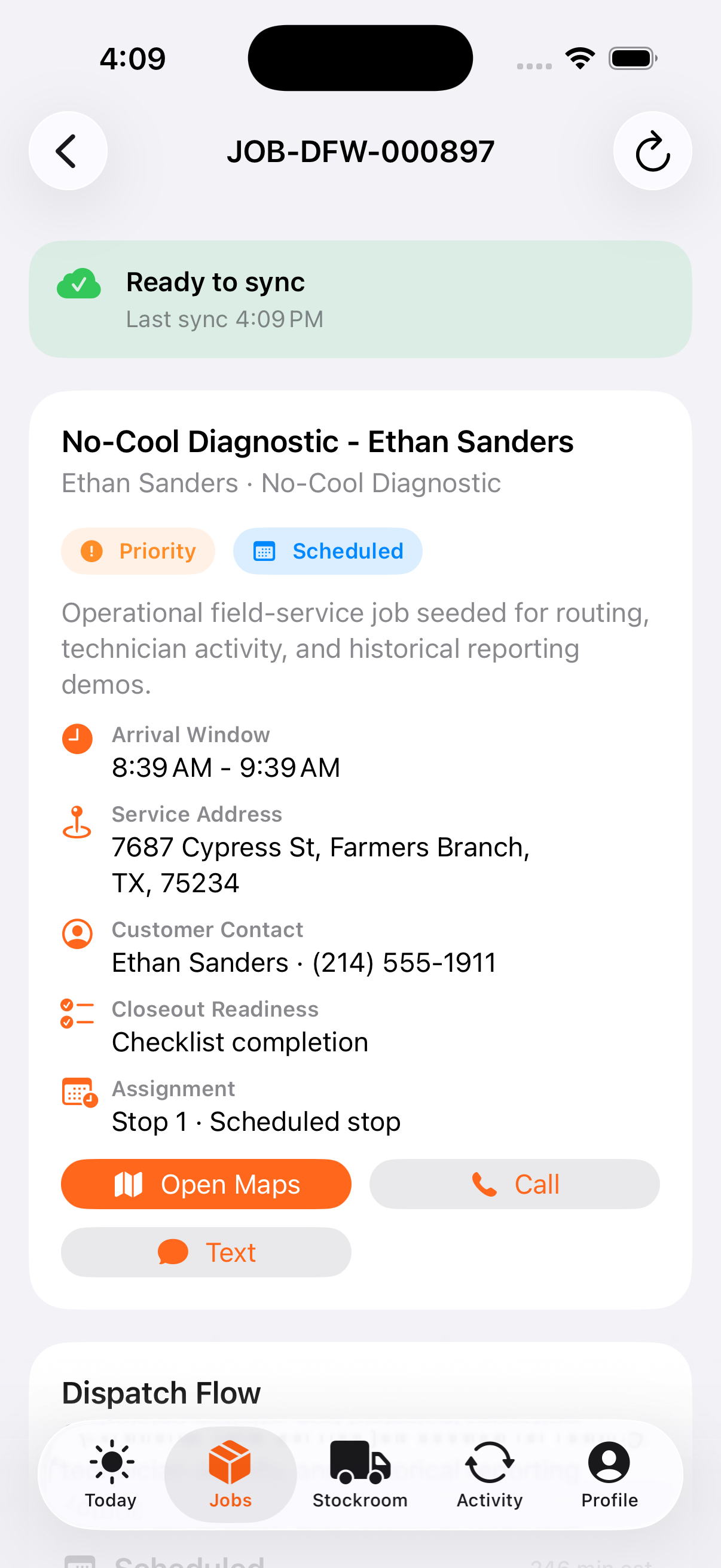
See the Field Opus mobile workflow
The native technician app keeps route context, assigned work, job details, labor, proof, materials, and queued updates close at hand.
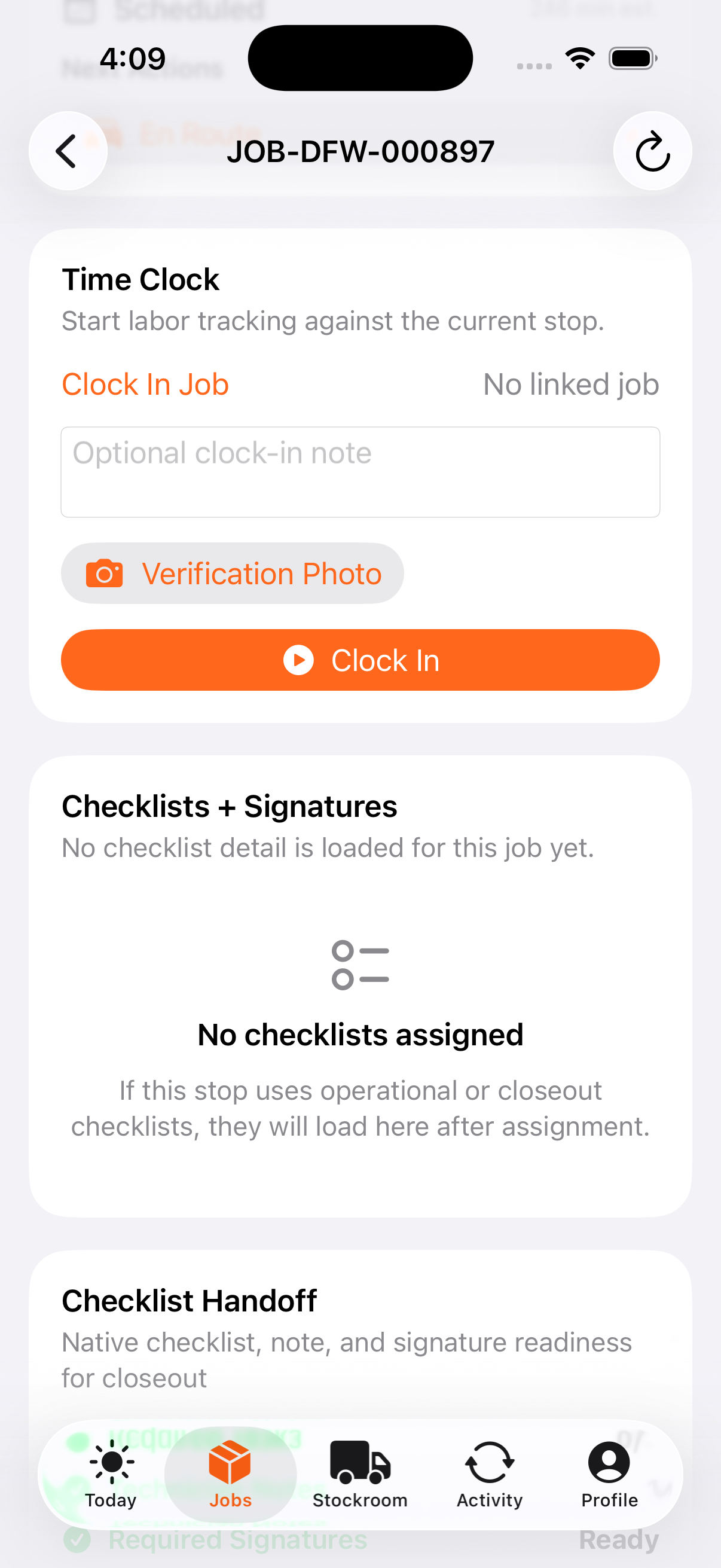
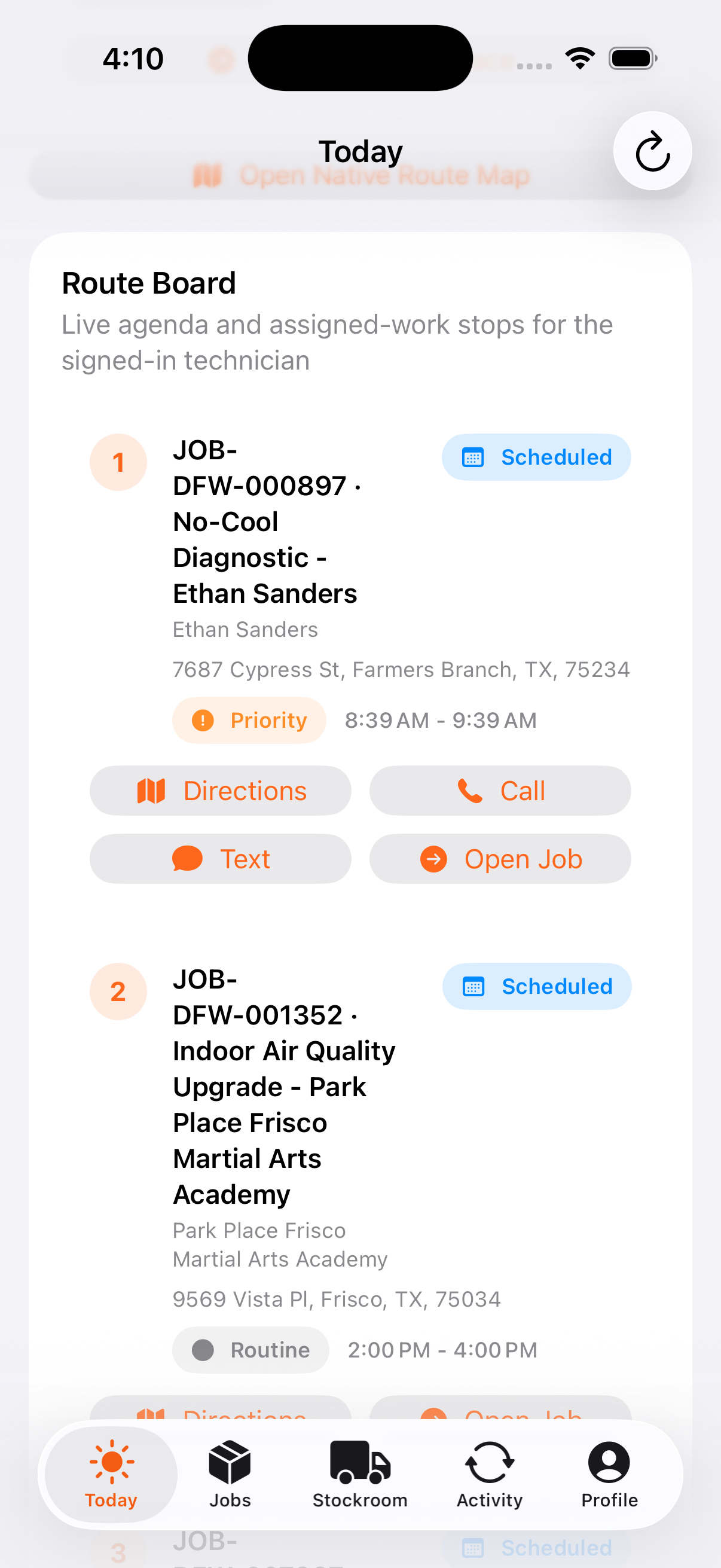
Poor signal should not erase field work
What can wait safely for a connection
Technician-critical updates are staged locally and replayed when the device can reach Service Opus again.
Dispatch status
Route state changes queue with rollback protection.
Checklist work
Required tasks and technician notes replay in order.
Signatures
Employee and customer signatures remain with the checklist.
Time clock
Clock in, clock out, and break actions stay chronological.
Photos and notes
Evidence persists on the device until upload succeeds.
Inventory actions
Transfer scans and purchase-order receipts can sync later.
Confirm queued updates have synced, required checklists and signatures are present, photos and notes are attached, and labor and material usage are ready for billing.
How the work moves
A practical way to run this workflow
Use the mobile field app to keep technicians productive and keep job proof connected to the office workflow.
Who uses it
- Technicians reviewing assigned work from the field.
- Field leads capturing closeout details and job proof.
- Dispatchers tracking status changes during the day.
Set it up right
- Confirm technicians have the right permissions and assigned jobs.
- Train field staff on offline queue behavior and sync expectations.
- Define what photos, notes, and time details are required before closeout.
Run the workflow
- Open the assigned agenda or job before arrival.
- Review customer, site, scope, documents, and checklist context.
- Update status as the visit progresses.
- Capture notes, photos, time, and closeout details on site.
- Sync queued updates and confirm the office has what it needs for billing.
Do not let this slip
- Offline updates are synced before the job is treated as complete.
- Required proof is attached to the job.
- Time entries are accurate enough for payroll and job costing.
- Customer-facing notes are clear and professional.
What it hands off to
- Field Service for technician workflows.
- Jobs for work-order context.
- Documents and Media for field proof.
- Invoicing and Payments for billing handoff.
See it with your process
Walk through mobile field app using the way your company works today.
No generic slide deck. Bring a real handoff, problem, or operating question and see how the workflow fits.