Feature guide

Customer management that gives your whole team one source of truth

Track every customer, property, conversation, quote, invoice, review, and follow-up from one place. Service Opus helps office staff, field teams, sales, and accounting work from the same customer record instead of piecing together information across tools.

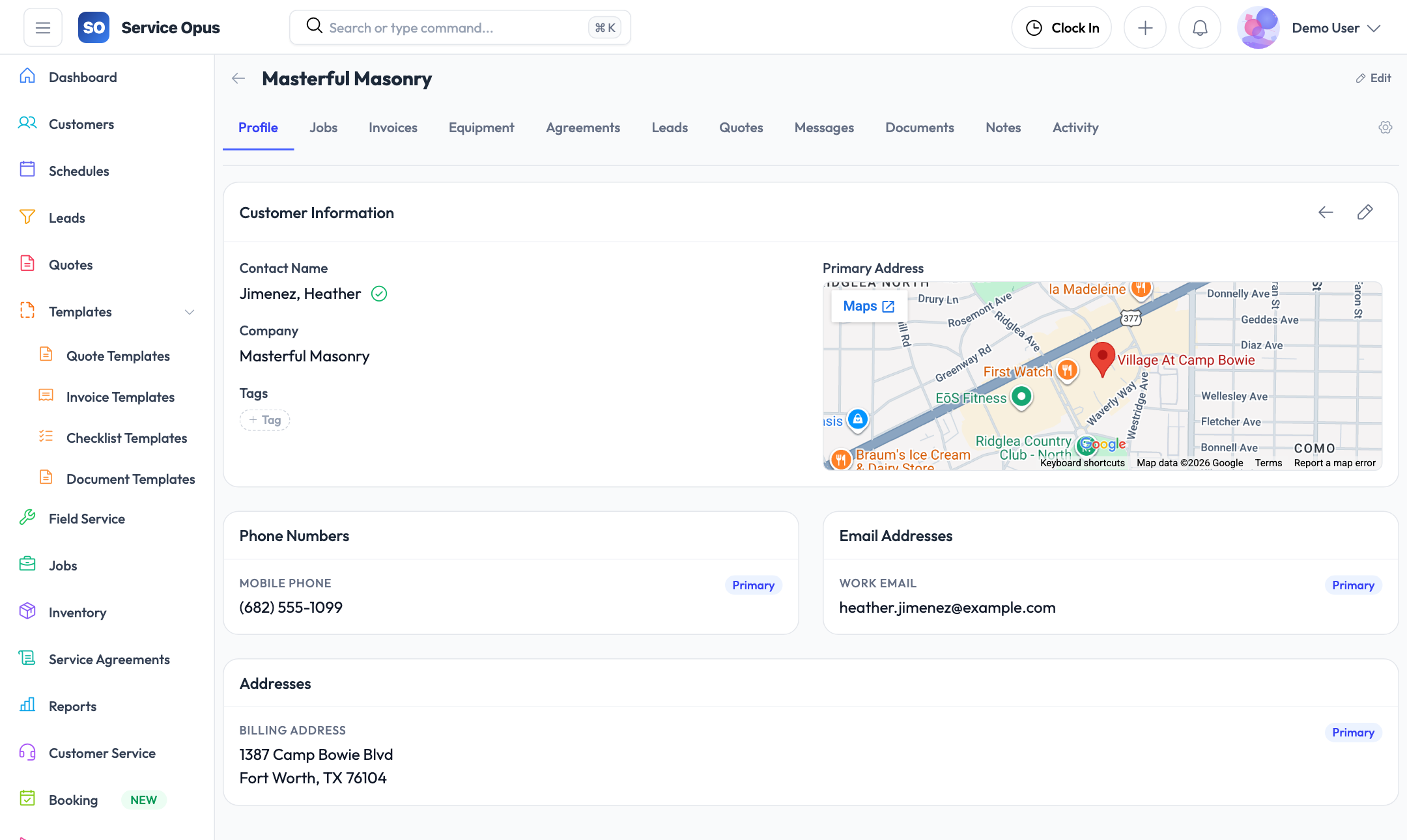
Customer profiles, sites, and contacts Health, statement, and tax visibility Messages, reviews, and activity history

What your team can manage in one customer system

The customer area in Service Opus goes beyond a basic CRM. It is the operational record your team uses before, during, and after the job.

360° customer record Profile, sites, contacts, notes, preferences, relationships, and activity history stay connected.
Operational visibility See jobs, quotes, invoices, equipment, agreements, and leads without switching modules.
Financial follow-through Review statements, outstanding invoices, tax exemption details, and customer health signals in context.
Retention and service quality Track messages, reviews, reminders, and lifecycle analytics to keep customers coming back.
🧾

Financial history

Open invoices, statement balances, quotes, and payment-related context are visible without asking accounting for an update.

🏠

Multi-site customers

Manage customers with several service addresses, location-specific notes, and site-level operational details.

📇

Contact clarity

Keep billing contacts, on-site contacts, and decision-makers organized so the team always knows who to reach.

🛡️

Risk and health signals

Surface overdue balances, missing agreements, churn warnings, and follow-up risks before they turn into problems.

Daily workflows your team can run from the customer module

Instead of asking staff to stitch together data from a CRM, inbox, calendar, and accounting app, Service Opus brings those workflows back to the customer record.

1. Capture and organize the customer correctly

Create the customer once, then add every important layer of context around them.

  • Store business or household details in the profile
  • Add multiple contacts for billing, scheduling, or approvals
  • Create service sites for separate properties or locations
  • Set communication and service preferences
2. Work the entire customer lifecycle from one record

Sales, service, and admin teams can all move work forward from the same place.

  • Review leads, quotes, jobs, documents, and invoices together
  • Send or log customer messages without losing context
  • Track notes and activity for cleaner handoffs between teams
  • Keep agreements and equipment history close to the customer

3. Stay ahead of risk and follow-up work

The customer workspace highlights what needs attention before it slips through the cracks.

  • Use customer health insights to spot retention and service risks
  • Review statements and aging balances before dispatching new work
  • Track tax exemptions and special billing requirements
  • Monitor review trends and customer satisfaction signals

Recommended rollout for a growing service business

If you are formalizing customer management for the first time, this is the easiest way to implement it without overwhelming the team.

01

Standardize every new customer record

Require profile, main contact, service address, communication preferences, and any billing notes before the first quote or job.

02

Train the team to live in the customer timeline

Notes, messages, documents, and activity should be attached to the customer instead of buried in personal inboxes.

03

Use sites and contacts for commercial or multi-property accounts

This keeps dispatch, approvals, and billing cleaner when one customer has several locations or stakeholders.

04

Review health, reviews, duplicates, and statements weekly

That one cadence helps you catch churn risk, bad data, unpaid balances, and reputation issues early.

Guide focus

Inside the customer workspace

The actual customer area includes tabs for profile, health, jobs, invoices, equipment, agreements, leads, quotes, messages, documents, notes, activity, preferences, reviews, analytics, sites, contacts, tax exemptions, statements, and relationships.

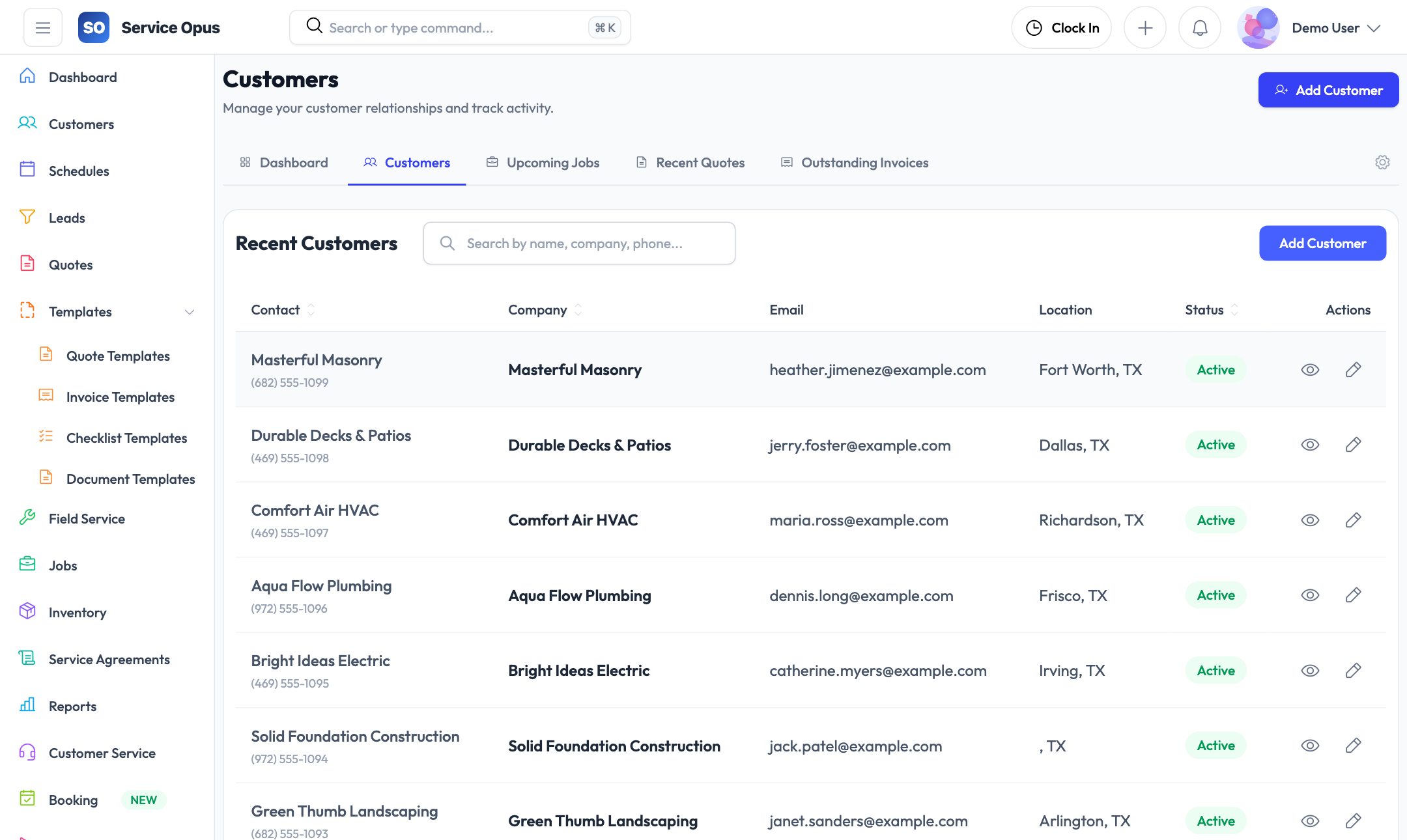
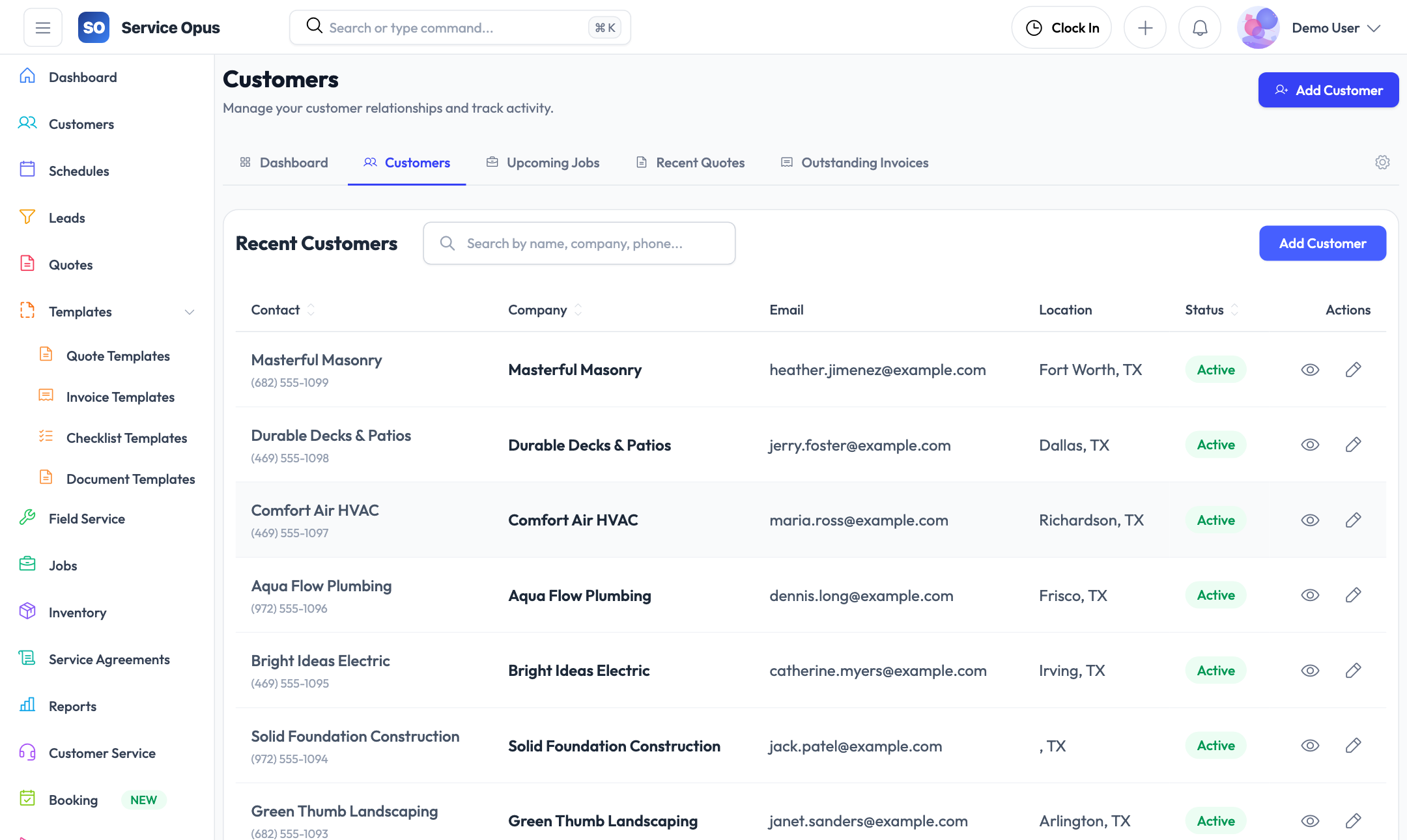
  • Customers dashboard with overview, list, jobs, quotes, invoices, and duplicates
  • Single customer workspace with customizable tabs
  • Built-in duplicate review and merge flow

The customer workspace is built for real cross-functional work

Your office team should not need separate systems for service context, financial context, and relationship history.

Operations

See the customer profile, active jobs, equipment, service agreements, and site details before dispatching or rescheduling work.

Sales

Review leads, quotes, notes, preferences, and relationship context so follow-up conversations stay relevant and timely.

Accounting

Work from the same customer record when checking invoice history, statements, tax exemptions, and billing contacts.

Customer success

Use messages, reviews, analytics, and health insights to retain good customers and address service issues early.

Customer management FAQ

Questions we hear most often from teams replacing spreadsheets or lightweight CRMs.

Can we manage customers with multiple properties or service locations?

Yes. Service Opus supports customer sites so you can keep one customer account while tracking multiple service addresses and location-level details.

Can different people be assigned as billing, scheduling, or on-site contacts?

Yes. Customer contacts are managed separately from the main profile so the right person is tied to the right interaction.

Can we see financial history without leaving the customer record?

Yes. Quotes, invoices, statements, and related financial context are available directly from the customer workspace.

Does it help us clean up duplicate records?

Yes. The customers area includes duplicate detection and merge workflows so your team can consolidate bad data instead of carrying it forward forever.

Can we track customer satisfaction after work is completed?

Yes. Reviews and analytics help you record feedback, watch sentiment trends, and identify where follow-up is needed.

Is this only for office staff?

No. The customer record is useful to dispatch, sales, accounting, service managers, and anyone who needs a reliable history before talking to the customer.

See how customer management fits your workflow

We can walk through how Service Opus handles customer records, sites, contacts, statements, health monitoring, and retention workflows for your team.