Online Booking & Service Requests
Give your customers a way to request service without calling your office. Service Opus publishes a booking form on a shareable link — customers select the service, enter their details, and submit. Every request lands directly in your booking queue ready for review and conversion to a job or lead.
What online booking covers
- Configurable service types that appear on the booking form
- Public-facing booking form with your company branding
- Incoming booking request queue with status management
- Convert requests directly to jobs or leads
- Separate lead capture form for sales enquiries
- Booking settings to control form behaviour
Define the services you offer
Service types are the foundation of the booking form. Defining them clearly helps customers self-select the right service category, which reduces back-and-forth before the job is even scheduled.
Service type configuration
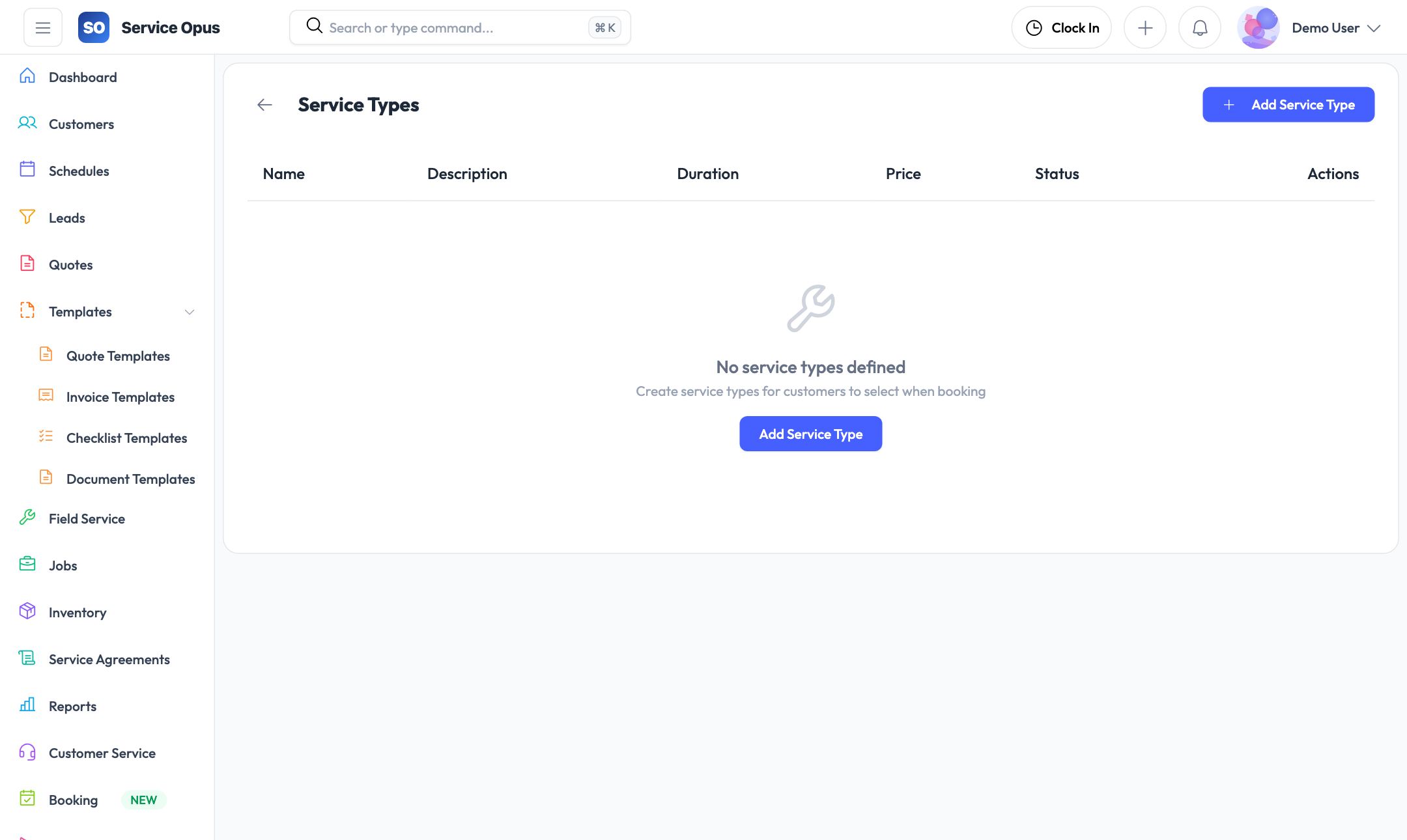
Create a service type for every category of work your business performs — air conditioning service, hot water system installation, electrical safety inspection, gutter cleaning, or any other service offering. Each service type has a name and description that appear on the public booking form so customers know what to select.
- Create as many service types as your business requires
- Name and description visible to customers on the booking form
- Activate or deactivate service types without deleting them
- Service type recorded on every booking request for routing decisions
How service types reach customers
The public booking form automatically lists all active service types as selectable options. When a customer submits a request, the selected service type comes through on the booking record so your office knows immediately what kind of work is being requested — no follow-up call required to clarify the service category.
Booking form information captured
- Customer name and contact details
- Selected service type
- Preferred date or time range (if configured)
- Property or site address
- Description of the issue or service needed
- Any additional notes from the customer
Manage incoming booking requests
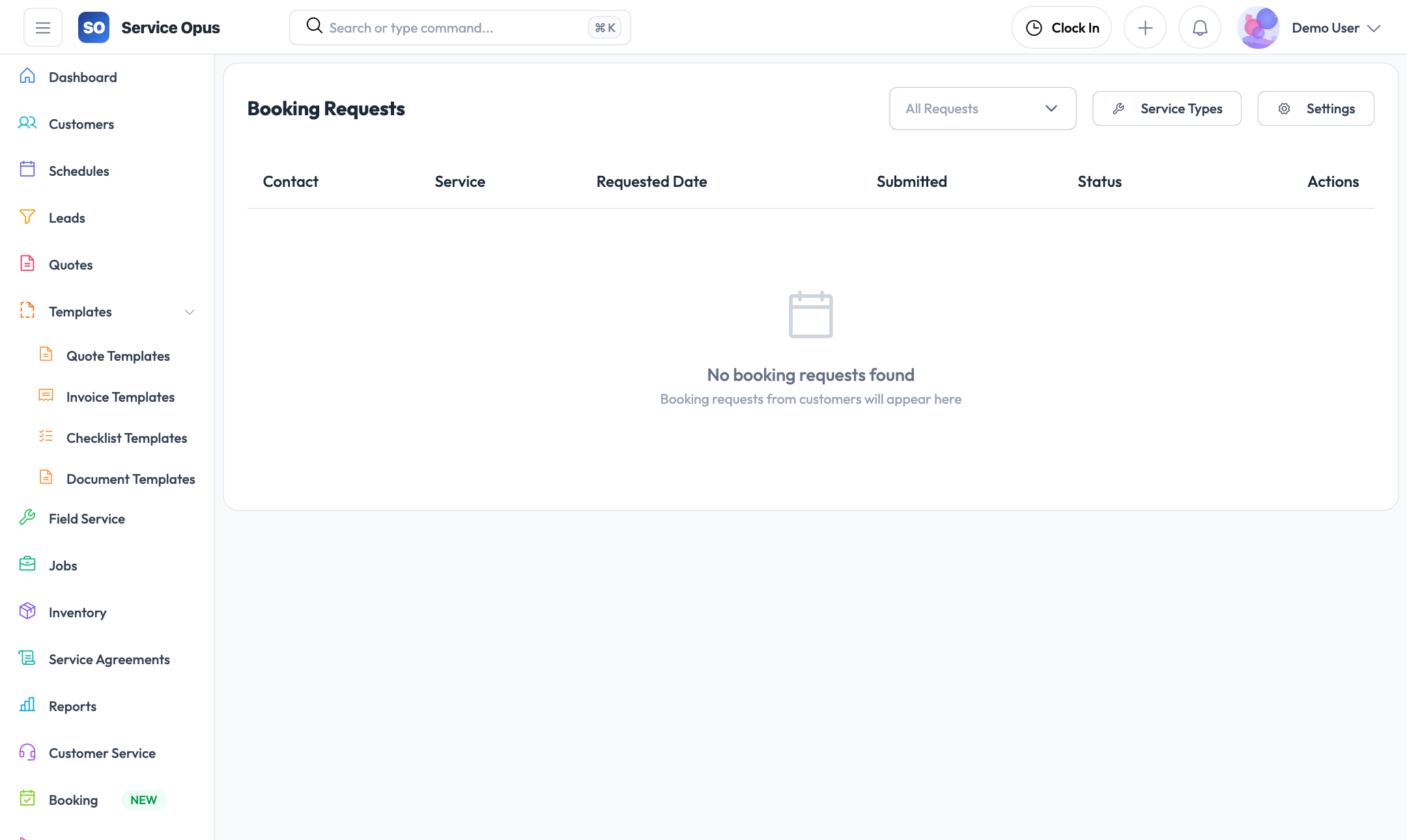
Every submission from the public booking form creates a booking request in your queue. Your team reviews requests, reaches out to confirm details if needed, and converts them to jobs or leads without re-entering information.
Centralized request queue
All booking requests from the public form land in a single queue. The list shows the customer name, selected service, request date, and current status so your team can triage at a glance.
Request detail view
Open a booking request to see the full information submitted by the customer: their contact details, the service they selected, their preferred timing, and any description they provided.
Status management
Move requests through status stages — new, reviewed, contacted, converted, or declined — so your team always knows what has been actioned and what still needs attention.
Convert to job or lead
When a booking request is ready to move forward, convert it to a job or a lead directly from the request record. Customer details carry across so nothing needs to be re-entered.
Booking settings
Configure the behaviour of the public booking form — what information fields to show, which service types to include, and any terms or notices that should appear before submission.
Public URL, no login required
The booking form is accessed through a shareable URL. Customers can submit a request from any device without creating an account — reducing friction for first-time enquiries.
Lead capture form
Alongside the booking form, Service Opus provides a separate public lead capture form — designed for sales enquiries rather than service requests. Both forms feed into your operations without manual data entry.
Separate form for sales enquiries
Not every incoming enquiry is a ready-to-book service request. The lead capture form collects prospect details — name, contact, project description, and any qualifying information — and creates a lead record in Service Opus automatically on submission.
- Contact name, email, and phone captured on submission
- Project or enquiry description
- Lead record created automatically — no manual entry
- Lead assignment rules apply immediately on creation
Two forms for two audiences
Using both forms together lets you separate intent: customers who know they want a specific service use the booking form; prospects who are still enquiring use the lead capture form. Both flows feed into Service Opus without duplicating any back-office effort.
- Booking form → booking request queue → convert to job
- Lead capture form → lead pipeline → quote and convert
- Both accessible on public URLs without customer login
Online intake summary
- Booking form — customer selects a service type and requests an appointment; creates a booking request
- Lead capture form — prospect describes their project; creates a lead that enters your sales pipeline
- Both forms: no customer login required
- Both create records automatically in Service Opus
- Assignment rules apply to leads on capture
See it in action
Take bookings while you're on the job
The booking form works around the clock. Requests queue up in Service Opus and your team converts them when they are ready — no missed enquiries, no callback slips.